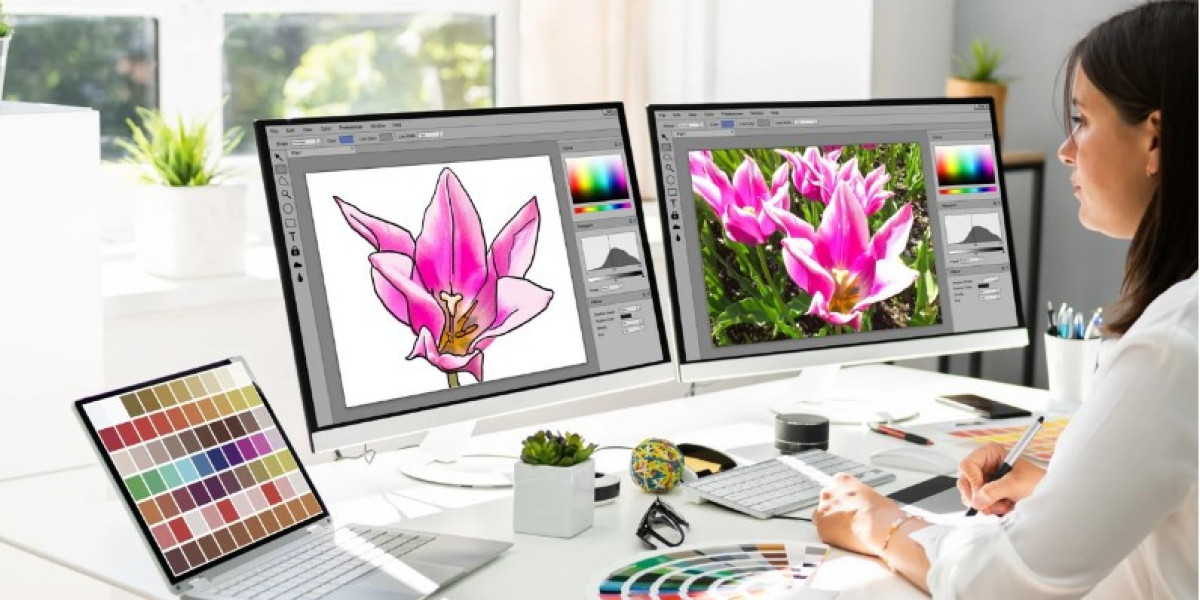

A great logo is one of the most valuable assets for any business. It appears on business cards, websites, uniforms, signs, vehicles, and promotional products. A clear and professional logo helps people recognize your brand quickly. However, if your logo is blurry or low quality, it can leave a poor impression. That is why many businesses choose professional vector conversion before printing or embroidery.
Professional vector art conversion services help turn blurry or low-resolution images into clean, sharp, and scalable artwork. Skilled designers manually redraw every line, curve, and shape instead of simply enlarging the image. This process creates a high-quality vector file that stays sharp at any size and delivers excellent results for printing, engraving, screen printing, and embroidery.
What Is Vector Art?
Vector art is artwork created using mathematical lines and curves instead of pixels.
Unlike regular image files, vector graphics can be resized without losing quality.
Common vector file formats include:
AI
EPS
SVG
PDF
CDR
These files are widely used for professional printing and design work.
Why Logo Quality Matters
Your logo represents your business.
A poor-quality logo can make your company appear less professional.
A high-quality logo helps create:
Better branding
Clear printing
Professional marketing
Strong customer trust
Businesses use logos on many products, so keeping them sharp is important.
Raster Images vs. Vector Artwork
Many people do not know the difference between raster and vector images.
Raster Images
Raster images include:
JPG
PNG
BMP
GIF
These files are made of tiny pixels.
When enlarged, they become blurry or pixelated.
Vector Artwork
Vector files use lines and curves instead of pixels.
They remain smooth at every size.
Whether printed on a pen or a billboard, the quality stays the same.
Why Businesses Need Vector Conversion
Many companies only have an old JPG or PNG version of their logo.
These files are not suitable for professional printing.
A vector version makes it easier to produce:
Business cards
Signs
Uniforms
Vehicle wraps
Banners
Embroidery
Promotional products
Professional vector conversion improves print quality across every project.
How Professionals Convert Artwork
Good vector conversion is not automatic.
Experienced designers manually recreate the artwork.
Years of experience help professionals recognize small details, smooth uneven edges, and rebuild missing parts of the design. Manual work produces much cleaner results than automatic conversion software.
Step 1: Review the Logo
The first step is examining the original image.
The designer checks:
Image quality
Sharpness
Colors
Missing details
Thin lines
Text quality
This helps determine the best conversion method.
Step 2: Redraw the Artwork
Instead of enlarging the image, professionals redraw it.
They carefully recreate:
Shapes
Curves
Lines
Icons
Borders
Every object becomes clean and smooth.
Step 3: Match the Colors
Accurate colors are important for branding.
Professional designers carefully match:
Brand colors
Gradients
Solid fills
This keeps the logo consistent across all materials.
Step 4: Improve Small Details
Many low-quality logos contain rough edges.
Professionals clean up:
Corners
Curves
Small text
Fine lines
These improvements make the logo look sharper.
Step 5: Save in Multiple Formats
After conversion, the artwork is saved in different vector formats.
Common file types include:
AI
Preferred for professional design work.
EPS
Used by many printers and embroidery companies.
SVG
Perfect for websites and digital graphics.
Easy to share while maintaining quality.
Providing several formats makes the artwork more useful.
Benefits of Professional Vector Conversion
Professional vector artwork offers many advantages.
Sharp Printing
Logos remain crisp at any size.
Unlimited Scaling
Large banners and small labels both maintain excellent quality.
Easy Editing
Text, colors, and shapes can be updated later.
Better Branding
Every printed item looks consistent.
These benefits help businesses present a professional image.
How Vector Files Improve Embroidery
Embroidery digitizing often begins with good artwork.
A clean vector file helps digitizers create:
Better stitch paths
Cleaner outlines
Accurate lettering
Improved stitch quality
Although embroidery machines still require digitizing, vector artwork makes the process much easier.
Industries That Use Vector Artwork
Many industries depend on vector graphics.
Printing Companies
They use vector files for:
Flyers
Posters
Brochures
Business cards
Embroidery Businesses
Digitizers create machine-ready embroidery files from clean artwork.
Screen Printing
Sharp edges improve print quality.
Sign Makers
Large signs require scalable graphics.
Marketing Agencies
Professional branding depends on high-quality logos.
Common Problems with Low-Quality Logos
Poor artwork creates many production issues.
Blurry Printing
Pixels become visible.
Jagged Edges
Curves appear rough.
Poor Color Quality
Colors may look inconsistent.
Difficult Editing
Low-resolution files are hard to modify.
Professional vector conversion solves these problems.
Why Manual Conversion Is Better
Automatic software often misses small details.
Experienced designers manually adjust:
Curves
Text spacing
Line thickness
Shapes
Color accuracy
Manual work creates cleaner artwork with fewer errors.
Choosing the Right Vector Conversion Company
A reliable company should offer:
Manual Redrawing
Avoid one-click automatic tracing.
Manual conversion delivers better quality.
Skilled Designers
Experience makes a noticeable difference.
Fast Turnaround
Quick delivery helps businesses meet deadlines.
Multiple File Formats
Receiving AI, EPS, SVG, and PDF files adds flexibility.
Helpful Customer Support
Good communication ensures the final artwork meets expectations.
Many businesses choose Absolute Digitizer because every logo is manually recreated with attention to detail and professional quality.
Tips Before Sending Your Logo
You can improve the final result by following a few simple tips.
Use the Best Image Available
A larger image usually contains more detail.
Share Brand Colors
Providing color codes improves accuracy.
Include Fonts
If possible, share the original font name.
Explain the Final Use
Tell the designer if the logo will be used for:
Printing
Embroidery
Signs
Screen printing
This helps prepare the correct file.
Why Experience Matters
Creating professional vector artwork requires more than software.
Experienced designers understand:
Line quality
Color accuracy
Print requirements
Logo balance
File compatibility
Their knowledge produces artwork that looks clean across every application.
Conclusion
Professional vector conversion is one of the best investments for any business that wants high-quality branding. A clean vector logo stays sharp at every size, prints beautifully, and provides a strong foundation for embroidery, screen printing, signage, and promotional products. Manual conversion also ensures that every detail of the original design is carefully recreated for the best possible results.
Whether you are updating an old logo or preparing artwork for a new project, working with experienced professionals helps protect your brand image. Companies like Absolute Digitizer provide manually created vector artwork that delivers clean lines, accurate colors, and scalable designs, giving your business a polished and professional look across every platform.